Winter Clothes
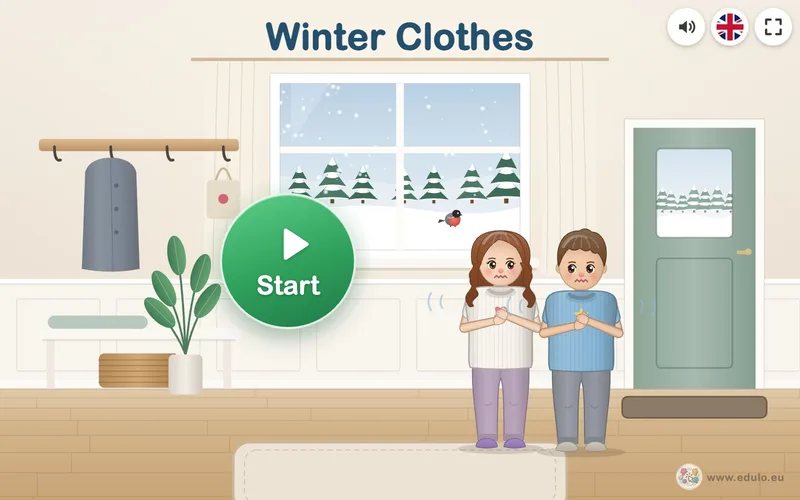
Four winter games about warm clothes: from sheep to hat, the dressing sequence, matching mittens, and buttons and zips.
Activity language: Slovak, Czech, Polish, English · no reading needed€3.49
Download one file, double-click to open it and the children can start playing. No installation, no internet and no ads.
November
Four winter games about warm clothes: from sheep to hat, the dressing sequence, matching mittens, and buttons and zips.
Activity language: Slovak, Czech, Polish, English · no reading needed€3.49
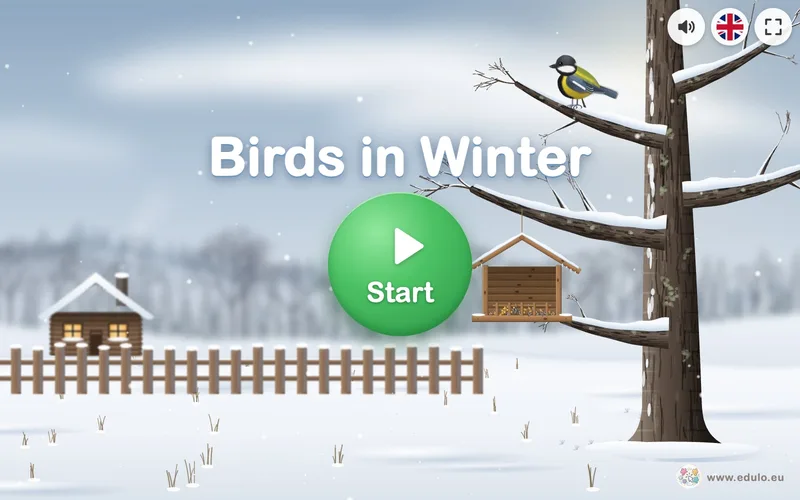
Four winter games about birds at the feeder: meet the birds, compare, prepare their food and build a bird feeder.
Activity language: Slovak, Czech, Polish, English · no reading needed€3.49
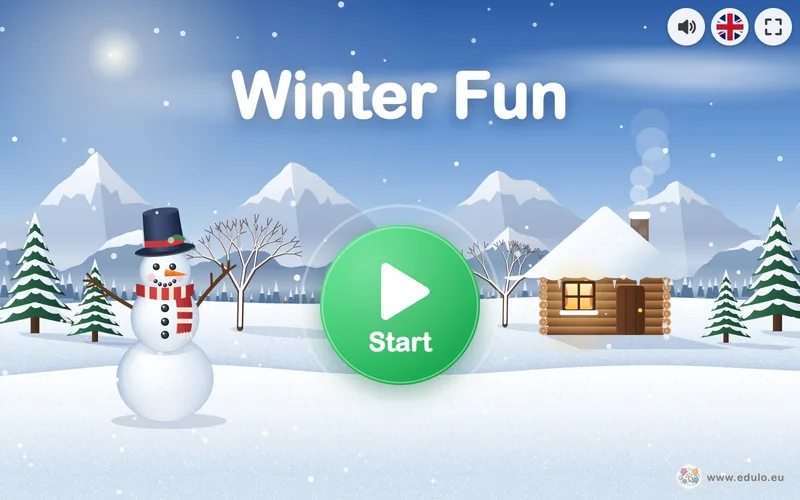
Four winter games: what belongs to winter, count the snowflakes, the melting snowman and clap the word.
Activity language: Slovak, Czech, Polish, English€3.49
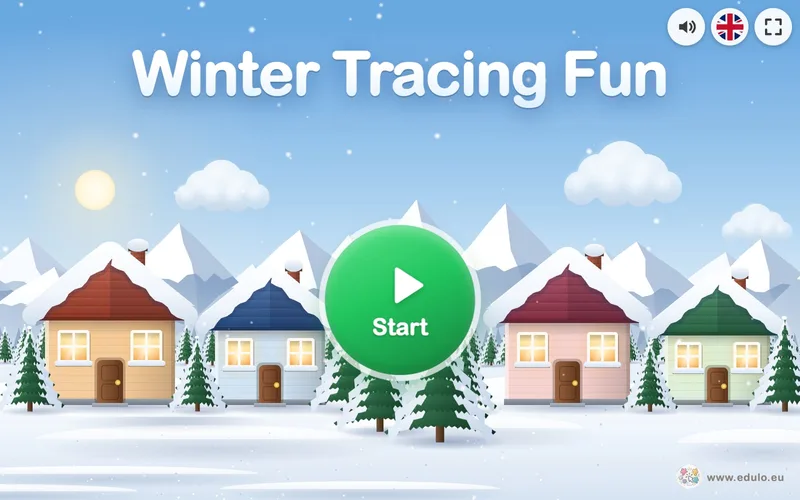
Eight winter tracing exercises: falling snow, a sledge, snowballs, snowflakes, wind, icicles, a skating track and a scarf pattern.
Activity language: Slovak, Czech, Polish, English · no reading needed€3.49

Eight autumn tracing exercises: dots, vertical, horizontal and diagonal lines, a circle, a spiral, arcs and a wavy line.
Activity language: Slovak, Czech, Polish, English · no reading needed€3.49
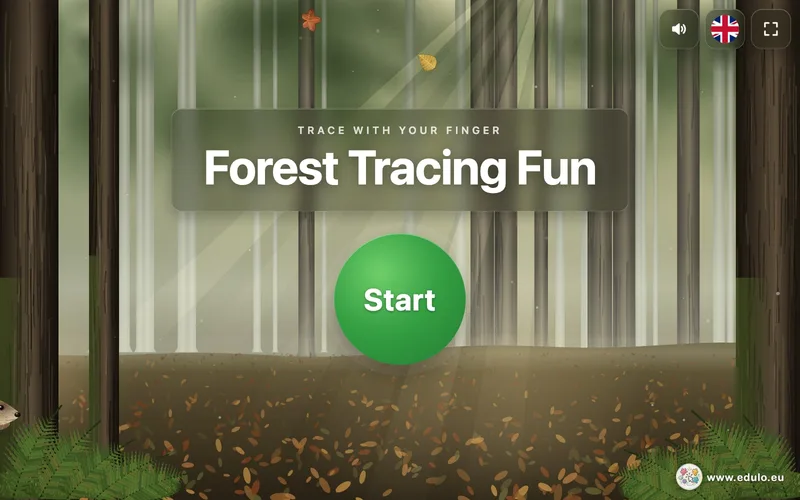
Ten forest tracing exercises: children draw lines, arcs, wavy lines, circles and spirals with a finger, together with forest animals.
Activity language: Slovak, Czech, Polish, English · no reading needed€3.49

Children pick apples, pears, plums and grapes into baskets, and at the end they make jam from the harvest.
Activity language: Slovak, Czech, Polish, English€2.99
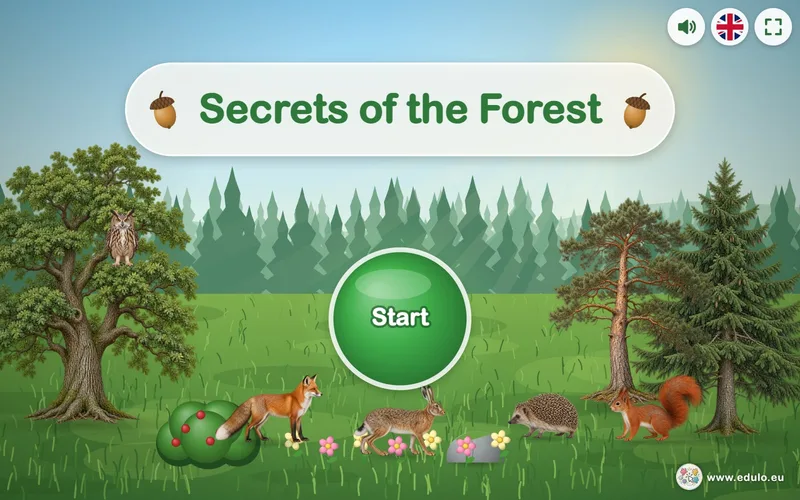
Five forest games: broadleaf and conifer trees, where animals sleep, edible and poisonous mushrooms, forest paths and spot the difference.
Activity language: Slovak, Czech, Polish, English€2.99
Eight autumn tracing exercises: dots, vertical, horizontal and diagonal lines, a circle, a spiral, arcs and a wavy line.
Activity language: Slovak, Czech, Polish, English · no reading needed€3.49
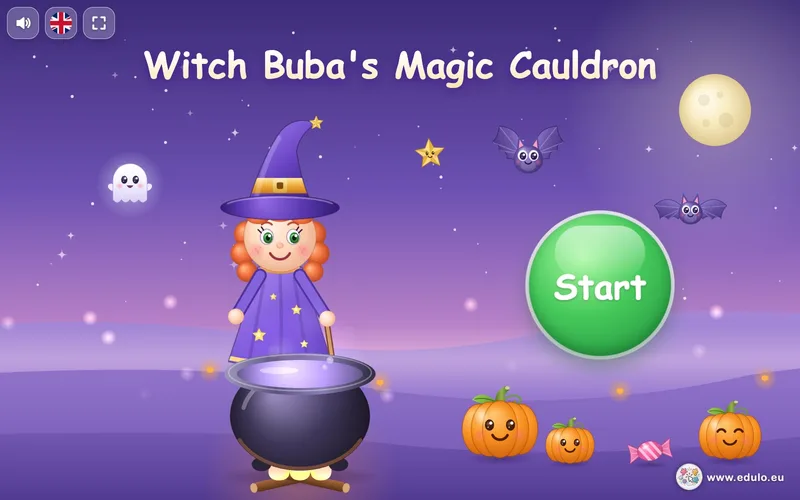
Children help Buba the witch make a rainbow potion: they count pumpkins, match pictures, look for colours and shapes, and dance.
Activity language: Slovak, Czech, Polish, English€2.99
Ten forest tracing exercises: children draw lines, arcs, wavy lines, circles and spirals with a finger, together with forest animals.
Activity language: Slovak, Czech, Polish, English · no reading needed€3.49
Children pick apples, pears, plums and grapes into baskets, and at the end they make jam from the harvest.
Activity language: Slovak, Czech, Polish, English€2.99
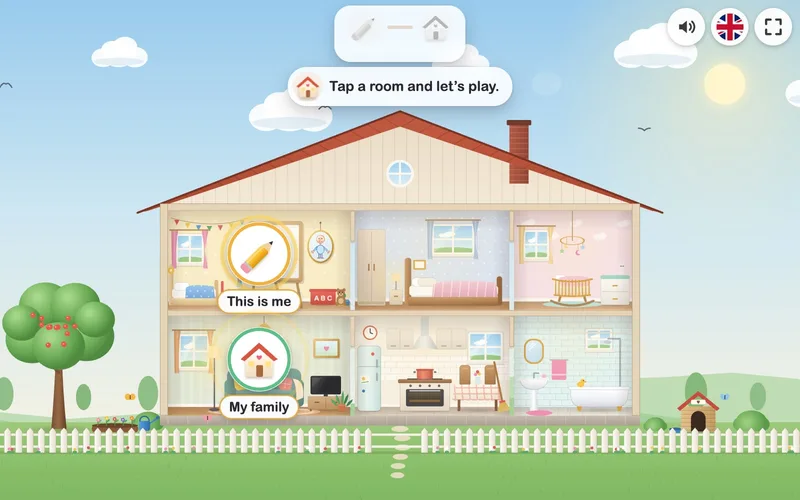
Two activities about me and my family: draw a little person and learn the parts of the body, then build your own family in a house.
Activity language: Slovak, Czech, Polish, English€3.49
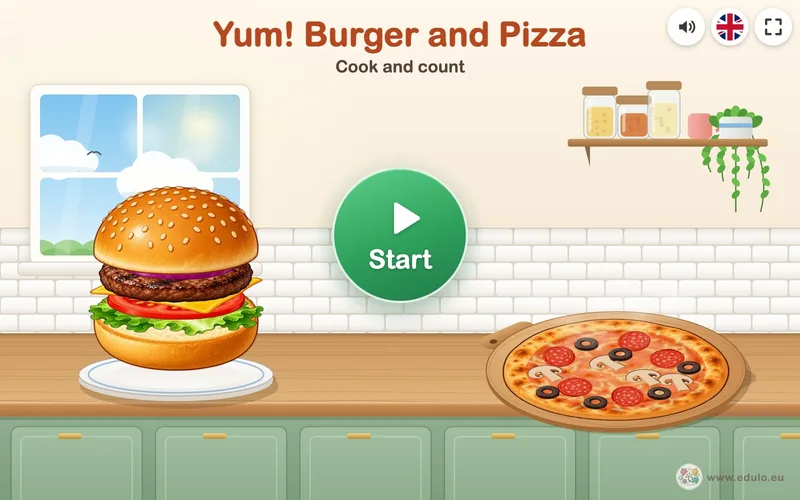
Cook and count: children build a burger and bake a pizza exactly as the recipe says, with numbers 1 – 5 or 1 – 10.
Activity language: Slovak, Czech, Polish, English · no reading needed€2.99

Four games about washing hands, the things we use to keep clean, and the germs hiding on our hands.
Activity language: Slovak, Czech, Polish, English€3.49
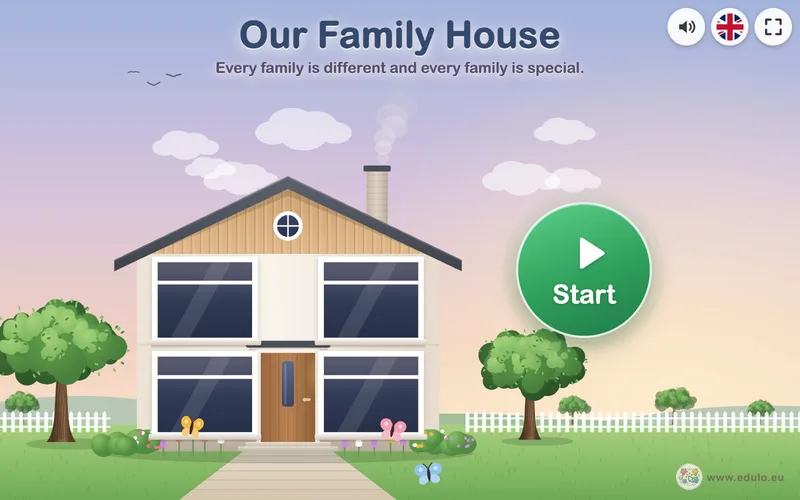
Four activities about a family in a house: family tree, from shortest to tallest, I help at home and a family memory game.
Activity language: Slovak, Czech, Polish, English€3.49
Four winter games about warm clothes: from sheep to hat, the dressing sequence, matching mittens, and buttons and zips.
Activity language: Slovak, Czech, Polish, English · no reading needed€3.49

Three St. Nicholas games about shapes and colours: shadows on St. Nicholas’s sack, his beard shaped like a circle or a star, and sorting shapes into colourful boots.
Activity language: Slovak, Czech, Polish, English · no reading needed€3.49

Four activities about Slovak Christmas traditions: a letter to Baby Jesus, the Bethlehem Light, the Christmas Eve table and a nativity scene with carol singers.
Activity language: Slovak, Czech, Polish, English€3.49
Four winter games about birds at the feeder: meet the birds, compare, prepare their food and build a bird feeder.
Activity language: Slovak, Czech, Polish, English · no reading needed€3.49
Every activity is ready to use. Open it on the laptop connected to your whiteboard or projector and the children play together. You can focus on the children, not the technology.
Double-click the file to open it in Chrome, Edge or Firefox.
Once downloaded, the activity needs no connection. Perfect for classrooms with weak wifi.
Children tap the interactive whiteboard directly, or you play with the laptop mouse.
Tasks are picture-based, so even the youngest children can manage.
There is no losing in our activities. Children learn calmly and happily.
The activities send nothing to the internet and collect no data about children.
From choosing to playing in class in just a few minutes.
Find an activity by theme. You can try every one first.
No account needed. Just your email and name, plus invoice details when buying for a school.
Download the file right after paying. The link is also emailed to you, so you can open it on the school computer too.
The activity opens in your web browser. Switch to full screen and start playing.
Planning by seasons and topics? Choose a theme and find everything in one place.
Three St. Nicholas games about shapes and colours: shadows on St. Nicholas’s sack, his beard shaped like a circle or a star, and sorting shapes into colourful boots.
Activity language: Slovak, Czech, Polish, English · no reading needed€3.49
Four activities about Slovak Christmas traditions: a letter to Baby Jesus, the Bethlehem Light, the Christmas Eve table and a nativity scene with carol singers.
Activity language: Slovak, Czech, Polish, English€3.49
Cook and count: children build a burger and bake a pizza exactly as the recipe says, with numbers 1 – 5 or 1 – 10.
Activity language: Slovak, Czech, Polish, English · no reading needed€2.99
Two activities about me and my family: draw a little person and learn the parts of the body, then build your own family in a house.
Activity language: Slovak, Czech, Polish, English€3.49

See how Edulo activities work in your classroom. Download Forest Fruits for free, or email it to yourself and open it on the computer by your board.